Why a Digital Inventory System Matters
Before diving into the how, it's worth understanding the why. Many community gardens rely on paper sign-out sheets, word of mouth, or simply trusting that members will return tools and seeds when they're done. This informal system often works when a garden is small and tight-knit, but as membership grows and resources multiply, it starts to break down.
A digital inventory system addresses several common pain points:
- Lost or unreturned tools become traceable. When you know who checked out the soil blocker two weeks ago, you can send a friendly reminder instead of buying a replacement.
- Seed duplication gets reduced. When members can see that the garden already has five packets of Scarlet Nantes carrots, they'll stop donating more and instead contribute varieties you actually need.
- Accountability becomes built-in. Members who can see the full inventory feel more invested in taking care of shared items.
- New members get oriented faster. A digital catalogue helps newcomers understand what resources are available without having to ask a dozen questions.
- Grant applications become easier. Funders often want to know what assets your garden manages. A clean inventory makes that information instantly accessible.
In short, a digital inventory isn't just an administrative nicety — it's a foundation for a more functional and fair community garden.
Getting Started
The prospect of building a digital system from scratch can feel overwhelming, but the key is to start simple and grow over time. Here's a practical path forward.
Step 1: Assess What You Have
Before you can digitize anything, you need to know what exists. Organize a physical audit day — ideally with a few volunteers — and walk through the entire garden space. Check the tool shed, seed library, communal storage areas, and any shared spaces like potting benches or cold frames. Write everything down, even items that seem broken or nearly used up.
Don't overthink categories at this stage. Just create a running list. You can organize and sort it later once it's in a digital format.
Step 2: Define Your Goals
Ask your garden committee or core members a few guiding questions:
- Do we primarily need to track seeds, tools, or both?
- How tech-savvy is our membership, and what platforms are people already using?
- Will this system be internal (committee only) or open to all members?
- Do we need a sign-out and sign-in function, or just a reference catalogue?
Your answers will shape which platform you choose and how complex your system needs to be.
Step 3: Assign an Inventory Manager
Even the best digital system falls apart without a human champion. Identify at least one person — ideally two for backup — who will be responsible for maintaining the system. This person doesn't need to be a tech expert, but they should be organized, reliable, and committed to updating records regularly.
Choosing the Right Tools and Platforms
There is no single perfect platform for every garden. The best choice depends on your budget, your members' comfort with technology, and how sophisticated your needs are.
Free Spreadsheet Tools
Google Sheets or Microsoft Excel (via OneDrive) are the most accessible starting points. They're free, widely understood, and easy to share with multiple users. A well-designed spreadsheet with clearly labeled columns can handle the majority of a community garden's inventory needs. You can create separate sheets for seeds, tools, and equipment, and use conditional formatting to flag items that are low in stock or overdue for return.
Simple Database Apps
Platforms like Airtable offer a step up from spreadsheets by allowing you to organize data in more flexible ways. You can create linked tables, attach photos of tools or seed packets, and build simple views that show only the information a particular user needs. Airtable has a free tier that is quite generous and works well for small to mid-size gardens.
Dedicated Garden or Library Apps
Some gardens have had success using library management software or inventory apps originally designed for small businesses. These can offer check-out and check-in functionality built right in. The tradeoff is usually a steeper learning curve and potentially a subscription fee.
What to Avoid
Avoid platforms that only one person can access or that require special software to open. If your inventory lives in a file format nobody else can read, you've created a single point of failure. Cloud-based, shareable solutions are almost always better than locally stored files.
What to Include in Your Inventory
A useful inventory record captures enough information to be actionable without becoming so detailed that nobody wants to update it. Here are recommended fields for each major category.
For Seeds
- Seed name (common name and botanical name if known)
- Variety (e.g., "Black Krim tomato" rather than just "tomato")
- Quantity (number of packets or estimated seed count)
- Year collected or packaged (germination rates drop with age)
- Source (donated, purchased, saved from garden)
- Storage location (which container, which shelf)
- Germination notes (has this variety been tested recently?)
- Growing notes (days to maturity, special care requirements)
For Tools and Equipment
- Item name
- Quantity available
- Condition (good, fair, needs repair)
- Location when not in use
- Checked out by (name and date)
- Expected return date
- Maintenance history (last sharpened, last oiled, etc.)
- Replacement value (helpful for insurance or grant purposes)
For Other Shared Assets
Consider adding sections for items like raised bed frames, irrigation components, plant labels, trellises, or communal propagation equipment. The same basic fields apply: name, quantity, condition, location, and status.
Setting Up Your Seed Library Database
Seed libraries deserve special attention because they involve biological material with a shelf life and specific care requirements. A digital seed library catalogue goes beyond simple inventory tracking — it becomes a living document of your garden's plant heritage.
When building your seed library database, think about the full lifecycle of a seed packet. It arrives (or is saved), it gets catalogued, members borrow or purchase it, they grow the plant, ideally they save seeds and return them, and the cycle continues. Your database should support each of these stages.
Consider adding a "seed story" field where donors can write a short note about the variety's history or their experience growing it. These personal notes make the catalogue more engaging and help members make informed choices. A note that reads "Saved from my grandmother's garden in 1998 — incredibly disease resistant in wet summers" is far more useful than a bare variety name.
For gardens with active seed-saving programs, you might also track which plots grew which varieties in a given year, helping you avoid cross-pollination issues with open-pollinated crops.
Managing Shared Tools and Equipment
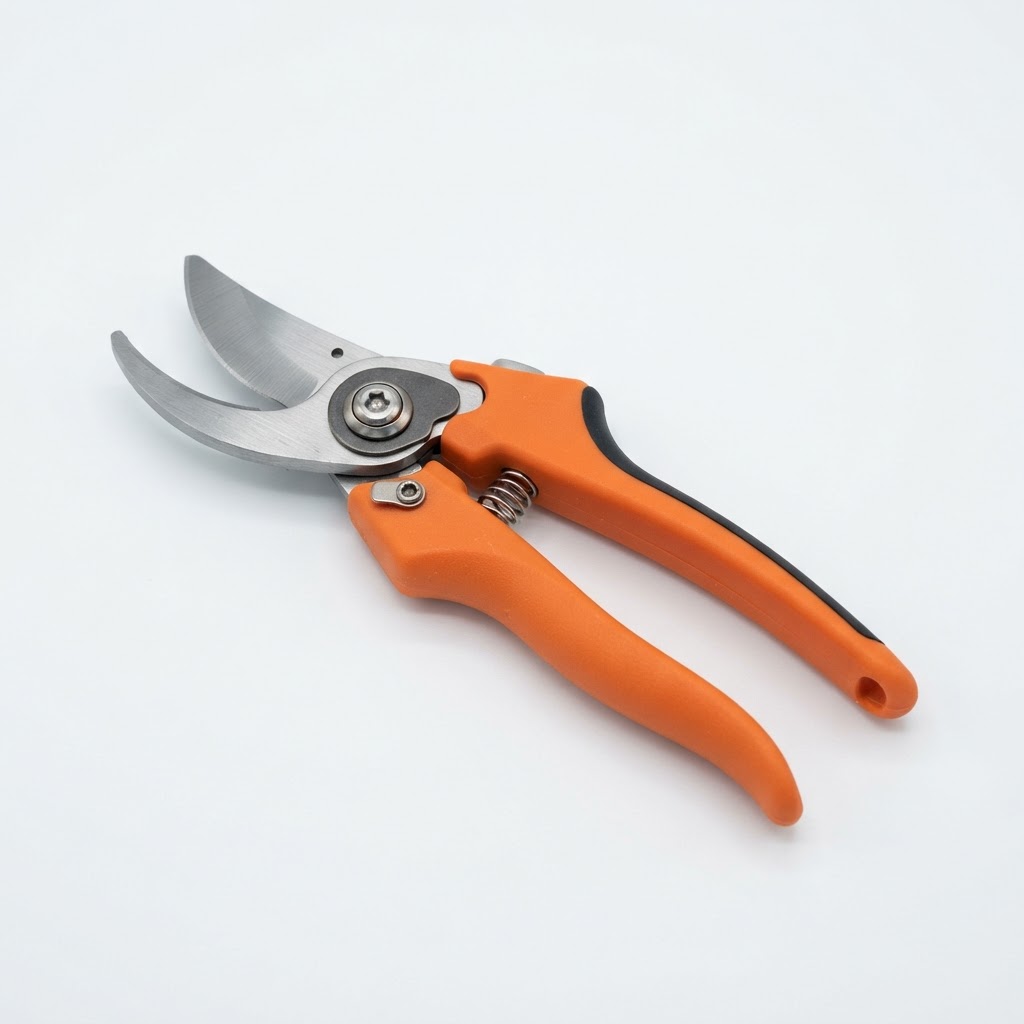
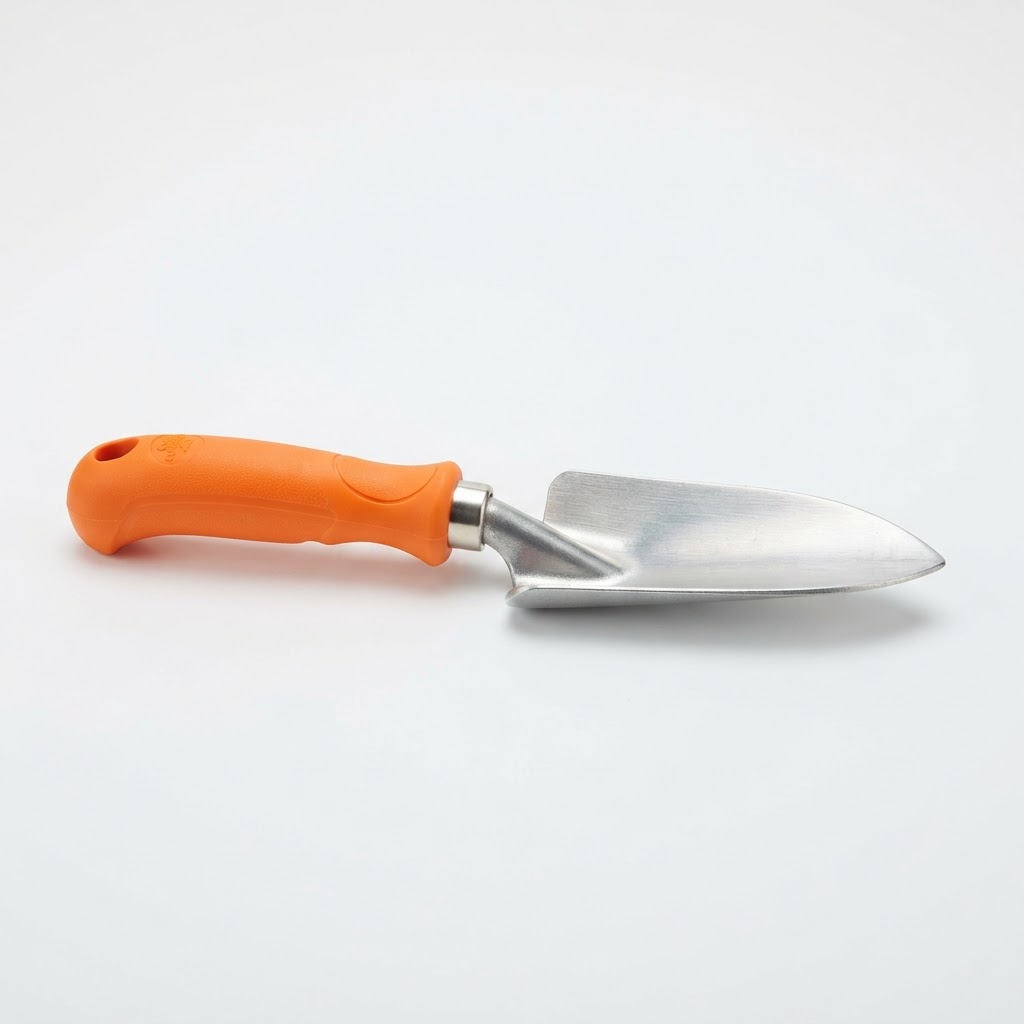
Tools present a different set of challenges than seeds because they're physical objects that can be in only one place at a time. The most common problem in community gardens is the tool that walked away — not stolen necessarily, but left at someone's plot, taken home for "just a week," or stored somewhere other than its designated spot.
A digital check-out system doesn't need to be complicated. Even a simple Google Form that members fill out on their phone when they borrow a tool can dramatically improve accountability. The form creates a timestamped record automatically, and you can set it to notify the inventory manager whenever someone checks something out.
Pair your digital system with physical measures. Label all shared tools with the garden's name and a number that corresponds to your inventory. Use bright tape or paint to make them visually distinctive. When members can see the number, they're reminded that the tool is logged and tracked.
Schedule regular tool audits — perhaps at the start and end of each growing season — and compare physical counts against your digital records. These audits are also a good time to assess condition and schedule maintenance.
Keeping Your Inventory Up to Date
A digital inventory that's three seasons out of date is worse than no inventory at all, because it creates false confidence. Maintenance is the hardest part of any organizational system, and it requires both good habits and good processes.
Build updating into existing routines rather than treating it as a separate task. For example:
- When the garden receives a donation of seeds, enter them into the database that same day before they go into storage.
- Make checking tools in and out a condition of borrowing them, not an optional courtesy.
- Review the seed inventory at your annual general meeting and update expiry dates and quantities as a group activity.
- Assign a "monthly check-in" to your inventory manager, with a simple checklist of things to verify.
It also helps to make the system easy to access. If members have to hunt for a login or open a complicated app, they'll skip the update. A pinned link in your garden's group chat or a QR code posted in the tool shed goes a long way toward lowering that barrier.
Common Mistakes to Avoid
Building a system that's too complicated from the start. It's tempting to design the perfect database with every possible field and feature, but a complex system that nobody uses is worthless. Start with the minimum viable inventory and add complexity only when you see a real need.
Relying on a single person without a backup. If your inventory manager moves away or gets busy with life, your system shouldn't collapse. Always ensure at least two people have full access and understand how to update it.
Neglecting mobile accessibility. Most gardeners are working outdoors without a laptop. If your inventory system doesn't work smoothly on a phone, adoption will be low. Test your chosen platform on a mobile device before rolling it out.
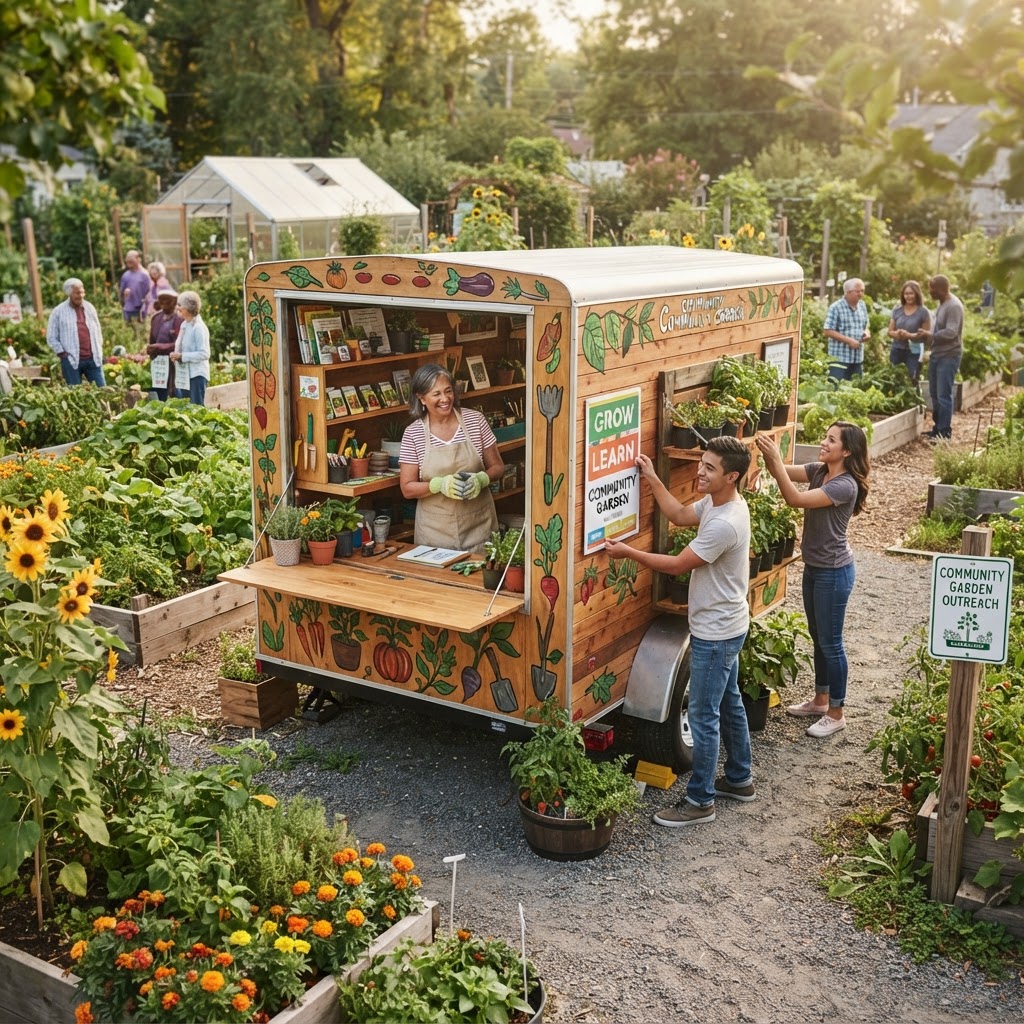
Forgetting to communicate the system to members. A new digital tool is only useful if people know it exists and understand how to use it. Send a clear introduction, offer a brief orientation session, and post reminders in common areas.
Letting the inventory become shaming rather than helpful. If members feel that the check-out system is surveillance rather than support, they'll resist it. Frame the system as a community service — it helps everyone find what they need and keeps resources in good shape for future seasons.
Tips for Success
- Launch with a garden workday. Turn the initial inventory audit into a social event with tea and snacks. More hands make lighter work, and it builds collective ownership of the system.
- Use photos wherever possible. A picture of a tool or seed packet next to its inventory record helps members identify items quickly and reduces confusion.
- Create a simple how-to guide. A one-page visual guide showing how to check tools in and out removes the excuse of "I didn't know how."
- Celebrate milestones. When your seed library hits a significant number of varieties, or when your tool return rate improves noticeably, share that win with the garden community.
- Review and revise annually. Each year, ask what's working and what isn't. Your system should evolve with your garden's needs.
- Link your inventory to your ordering process. When seed stock drops below a certain level, use that as a trigger to request donations or make purchases before the season begins — not during it.
Conclusion
Developing a digital inventory system for your community garden is one of those behind-the-scenes investments that pays dividends for years. It won't win you awards or make the newspaper, but it will reduce the friction of daily garden life, help your community feel more organized and professional, and ensure that your shared resources are used thoughtfully and sustainably.
Start small, stay consistent, and bring your members along for the journey. A system built with community input is far more likely to be a system that the community actually uses. Whether you're managing a modest seed swap or a sprawling multi-plot operation with dozens of tools, the principles are the same: document what you have, make it accessible, and keep it current.
Your future members — and your future self — will thank you for it.